November 03, 2021
.NET 6 Minimal WebApi
With .NET 6 being released in November/2021, an LTS version. One of the major new features is the ease of creating small endpoints in a simple way.
.NET 6 Minimal WebApi
With .NET 6 being released in November/2021, a version that will be LTS (Long Time Support). One of the major new features is the ease of being able to create small endpoints in a simple, fast and clear way.
One of the gains is the warm-up speed (application startup time), where there are benefits when working with serverless and also functions (azure function, lambdas).
I also believe this is a way to “hook” and bring developers to .NET, since there are some perceptions of complexity and “oldschool” nature of the language when compared to others like Go, Python, NodeJS. We can see this in the image below which I took from Maria Nagagga’s presentation, Senior Program Manager at Microsoft.
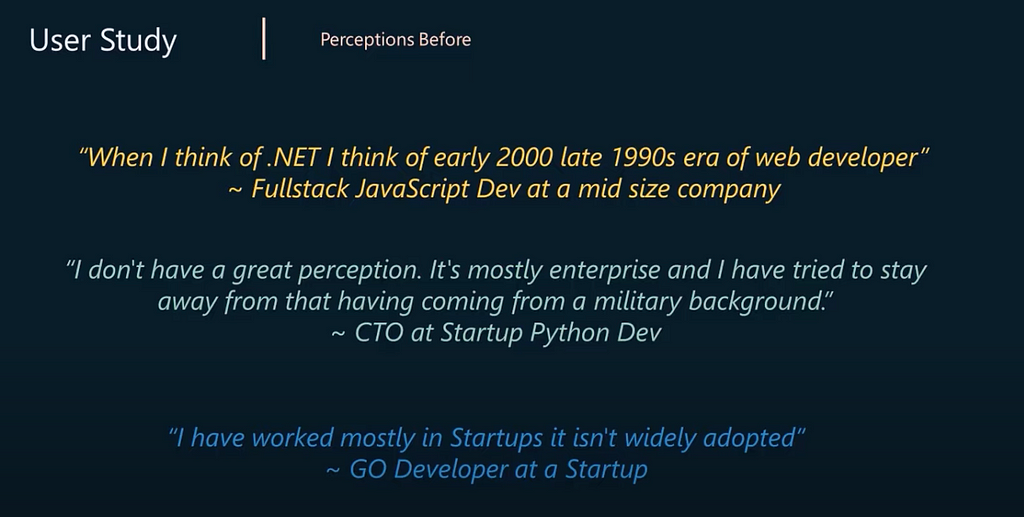
Minimal APIs in .NET 6 | DotNet 2021 YouTube
I used Visual Studio Code for this brief tutorial, so Node.js developers can see how simple it is. 😎
Prerequisites:
- Visual Studio Code
- .NET 6
Run the command in your preferred directory, as usual I like to create a GIT folder for my projects like: /Users/****/Git
dotnet new webapi -minimal -o <ProjectName>After running the code, a folder with the project name was generated, /Users/****/Git/<ProjectName>
Examining the created structure, you can see that a leaner structure was generated. There is no longer a Startup.cs file
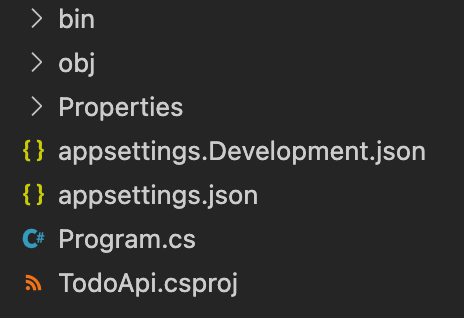
Everything is done in Program.cs
The Program.cs file has the old and good known Weatherforecast Controller, but we don’t have a Controller folder structure and classes that implement ControllerBase. To see the code in action, just run:
dotnet runLet’s delete all content and develop a CRUD with the TODO (tasks to be done) context.
For data storage, the EntityFramework Core in-memory database was used, to install it, you need to run:
dotnet add package Microsoft.EntityFrameworkCore.InMemoryAfter installing, we need to configure a context for the EF.
Note that in the AppDbContext.cs file, another novelty that .NET 6 brought was used, file-scoped namespace declaration, with this it is no longer necessary to declare your namespace with braces, just put a ; at the end.
A ViewModel was also created to receive the information input by users, and a small validation of the Name field was performed using the Flunt framework.
dotnet add package FluntNow we can test our Minimal WebApi. Bringing a third novelty from .NET 6, the Hot Reload 🙌, a feature that allows you to change the code while it is being executed, allowing for quick validation.
Let’s run our application with the following command:
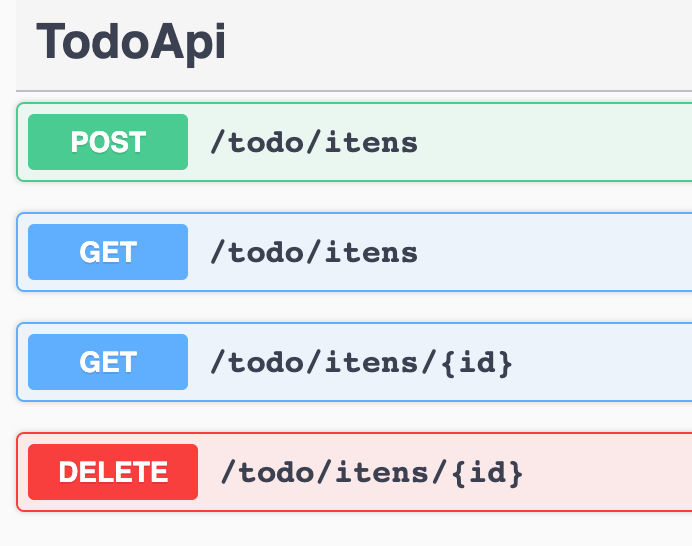
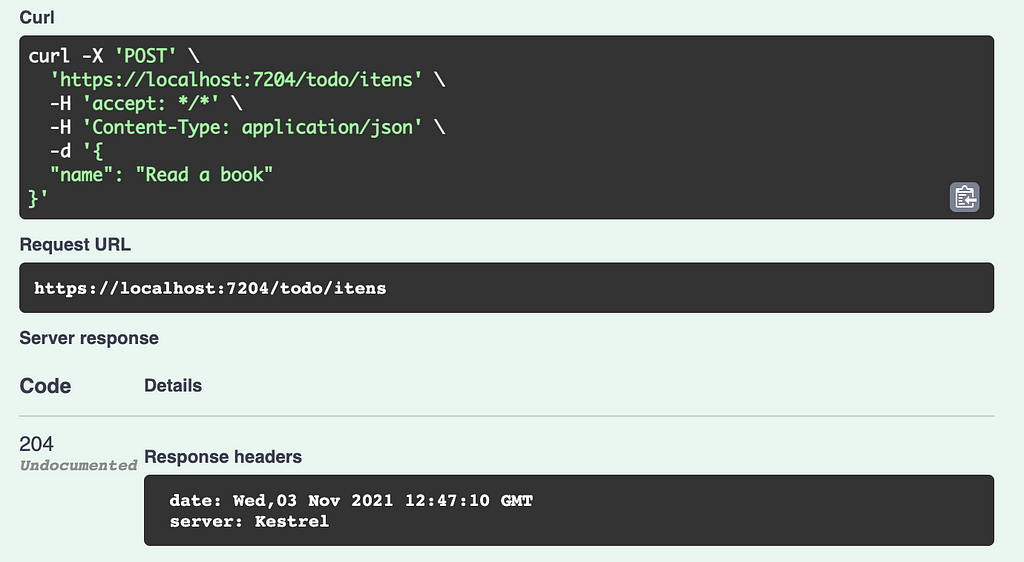
dotnet watch runWith this, we can open swagger and test our routes.
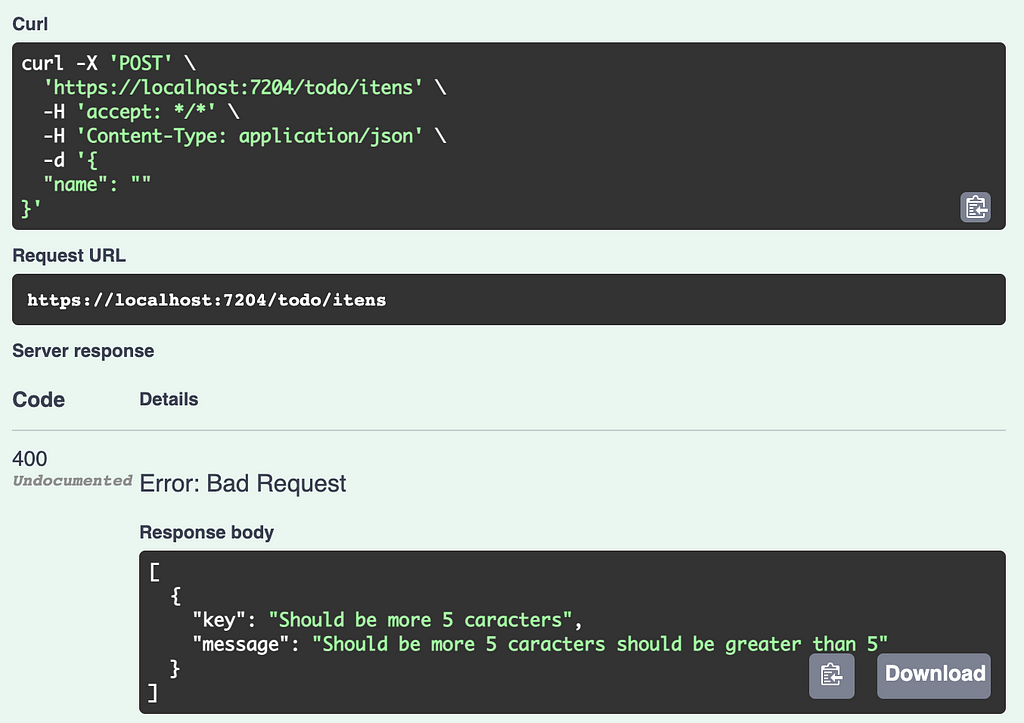
In this first image, we can see the validation we developed with Fluent working. An empty string was sent in the name field and the expected validation was returned.
I think that’s it! 🙌
We can see how simple it is to create new endpoints, microservices with the innovations that version 6 of dotnet brings.
Originally published on Medium.